Add Contacts to a Running Parallel Dialer Campaign
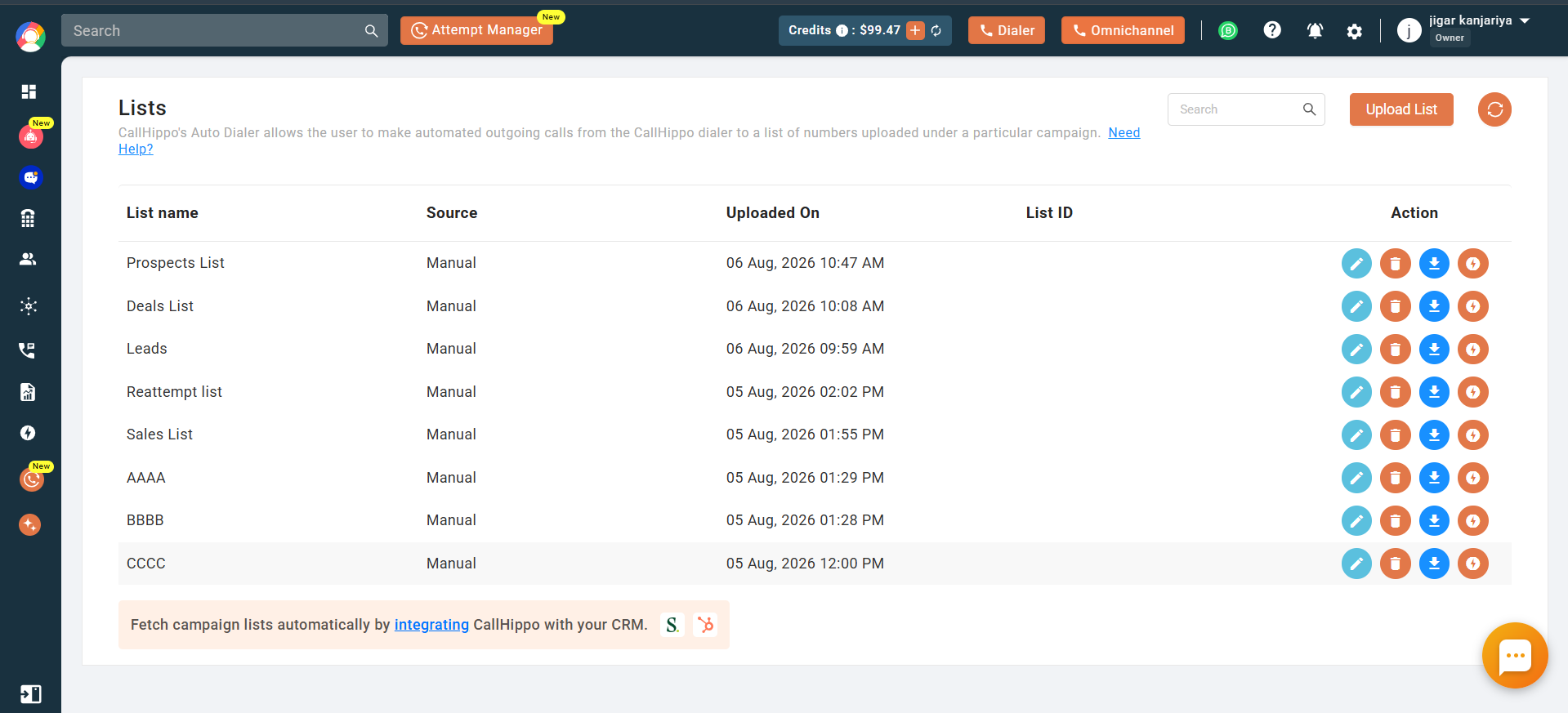
Users can now add contacts to an existing manual list after it has been created. Previously, contacts could only be added while creating the list, and there was no way to add more contacts once the list was created. Now, an Edit icon is available on each manual list in the List module, allowing users to upload additional contacts and edit the list name. If the list is linked to active campaigns, newly added contacts will automatically sync and be picked up by the auto-dialer. Lists linked to more than 3 campaigns cannot be modified.